
 Print
Print
|
|
|


Modifying Which Audience Lists Are Visible
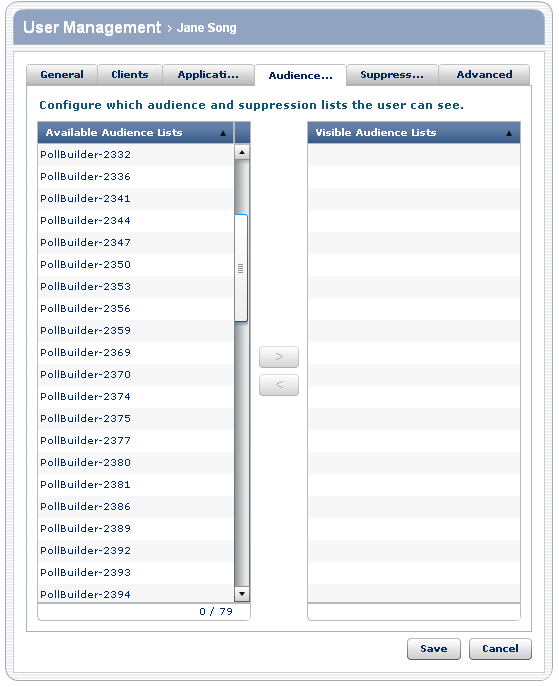
You select the audience lists a user can see from the list of Available Audience Lists.
To... |
Do this... |
Details |
Make an audience list visible |
|
Only the audience lists that are visible to you appear in the list. This means that you cannot give a user permission to use a suppression list that you don't have permission to use. To select multiple audience lists, select one list, and then while holding down the Ctrl key, select another list. To select multiple contiguous lists, select the first list, and then while holding down the Shift key, select the last contiguous list. |
Make an audience list invisible |
|
You can select multiple lists as indicated above. |
To modify the audiences a user can see:
- Perform one of the actions in the previous table.
- When you have completed providing the information, do one of the following:
- Click Save to update the user information.
- Click the appropriate tab to modify additional preferences.
- Click Cancel to go back to the list of users without modifying the information for this user.
Print