
 Print
Print
|
|
|


Viewing a Report
When you start Pulse Reports, a list of mailing campaigns and associated cells appears.
To view a report:
- Select the cell for which you want to see a report.
The Cell Details report appears.
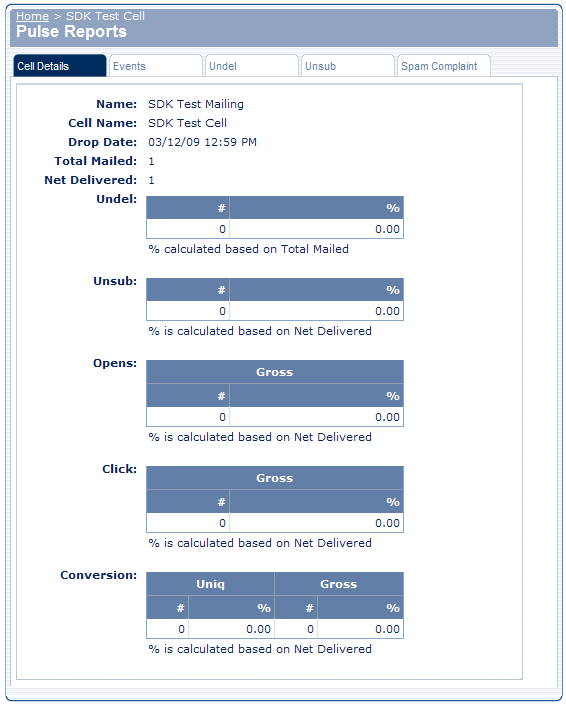
- To see a different report, click the appropriate tab.
Reports include:
- Cell Details
- Events
- Undel
- Unsub
- Spam Complaint
Print