Cleanup Procedure
For complete descriptions of each dialog, refer to the Administration Tools Reference in the Database Administrator's Guide.
- Log in to the database administrator account that was created by the installation script. The default account name is dbadmin.
- Run the Administration Tools.
$ /opt/vertica/bin/adminTools
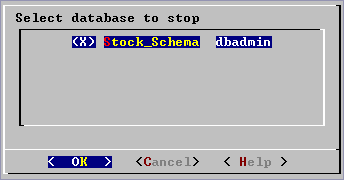
- If necessary, stop any running database.
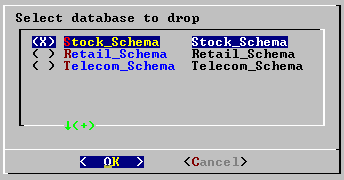
- Go to Configuration and select Drop Database for all existing databases.
- Perform the steps in the Uninstalling the Vertica Software section of the Installation Guide.
- Optionally remove the dbadmin account on all cluster hosts.
- Remove any example database directories you created.


